The engagement rate of your post
Copy the counters of your post and choose what to relate them to: its impressions, or your followers. The rate is computed right away.
Engagement rate
…
Copy your post's counters, then the number to relate them to.
Formula: (reactions + comments + reposts) divided by impressions or followers. Compare your posts with each other using the same base: a rate per impression and a rate per follower cannot be compared.
Your numbers, collected for you
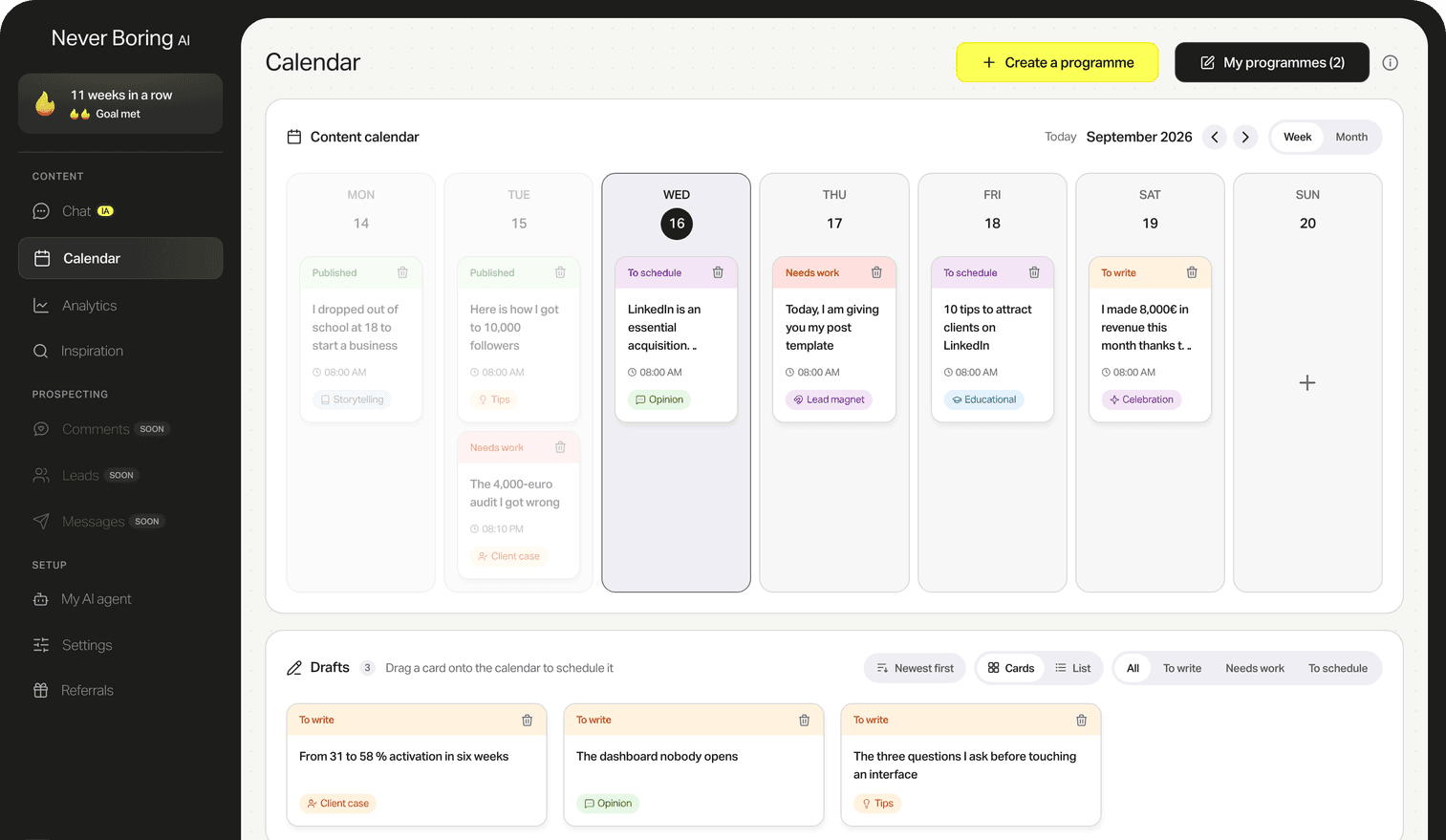
With a subscription, Never Boring AI collects your posts' statistics and shows you what gets a reaction.
How it works
- Step 1
Copy the counters
Reactions, comments and reposts, read under your post.
- Step 2
Choose the base
The impressions of the post, visible only to you, or your follower count.
- Step 3
Read your rate
The percentage, and the share of comments in your interactions.
Free LinkedIn engagement rate calculator
The engagement rate relates the interactions of a post (reactions, comments, reposts) to its audience. There are two ways to compute it, by impressions or by followers, and they do not give the same number. This calculator does both and says which one you are looking at. It shows no market average: we do not measure one, and we do not invent one. Free, no account, no email.
By Maxence Vroilant, founder of Never Boring AI · Updated on
Two bases, two rates
By impressions, the rate says what your post triggered among those who saw it. By followers, it says what your audience did with it. The two cannot be compared.
No invented benchmark
The "good rates" you read everywhere come from no verifiable measurement: LinkedIn does not publish the impressions of other people's posts. The only reliable benchmark is your own posts.
Comments set apart
A comment takes more effort than a reaction. The calculator gives you their share in your interactions, to track what really gets people talking.
How does it work, in detail?
Three questions, and how we answer each one. Open the one you care about.
Engagement rate = (reactions + comments + reposts) divided by the base, multiplied by 100. The base is either the number of impressions of the post, or your follower count.
Impressions can be read in your post's statistics, visible only to you. Your follower count is shown on your profile.
You add up the reactions, comments and reposts of a post, divide by its impressions or by the follower count, and multiply by 100.
Who makes this tool
Never Boring AI is an AI agent for LinkedIn, built by Maxence Vroilant. This tool is open: no account, no email, no limit. It reuses a building block of the app, where the agent writes your posts from your experience and keeps your content calendar.
Your first 5 posts are on us
Create your account, no credit card needed, and walk away with your first post in minutes. Your LinkedIn calendar then runs on its own.


Already used by
232 founders