36 hooks to fill in with your facts
Twelve families of hooks, three templates each. Pick the family that fits what you have to tell, fill in the brackets, copy.
Bare number
When you have a number that surprises on its own.
[Number]. That is what [decision] cost me.
[Number] [unit] in [period]. I did not think it was possible before [event].
Out of [number] [clients, projects, tries], [number] [result]. Here is what the others had in common.
Admitted failure
When you have a mistake you learned something from.
I [mistake] for [period]. Nobody told me.
My worst [project, month, client]: [what happened]. It was entirely my fault.
I lost [what you lost] because I refused to [what you should have done].
Pushback
When you disagree with what your trade keeps repeating.
People keep saying [received idea]. In my trade, the opposite is what works.
[Common advice] is the worst advice I was ever given.
I stopped [practice everyone follows]. My [results] did not move.
Dated scene
When you remember the exact moment things turned.
[Day], [time]. [Place]. [What you see or hear at that moment].
[Period] ago, I was [starting situation]. This morning, [today's situation].
On [date], [person] called me. I knew before they spoke.
Question that forces a side
When your topic truly splits your readers.
Would you rather [option A] or [option B]? For a long time I picked the wrong one.
If [dreaded event] happened tomorrow, how long would you last?
Should we still [trade practice] in [year]?
Announcement
When you release something or reach a milestone.
Today I am releasing [what you launch]. It took me [period] and [number] versions.
[Milestone reached]. I did not believe in it back in [start date].
I said no to [opportunity] to launch [project]. Here is why.
Free resource
When you give away a tool, a method or a template.
It took me [period] to build [resource]. I am giving it to you.
Here is the [document, template, sheet] I use for [task]. As is.
[Number] [clients, colleagues] asked me how I do [task]. I wrote it all down.
Reported line
When someone said a line you never forgot.
"[Exact line]." That is what [person] told me the day [event].
"[A client's objection]." It took me [period] to find what to answer.
My [first client, boss, partner] told me: "[line]". They were right.
Announced list
When your post comes down to a few distinct points.
[Number] things I wish I had known before [step].
[Number] mistakes I see every week with [type of clients].
I have [action] [number] times. The [number] lessons that stuck:
Short statement
When your stance fits in one sentence you stand by.
[Stance in five words at most].
I no longer [common practice].
[Thing everyone sells] is useless without [condition].
State of the trade
When you notice a shift in your field.
In [year], [trade] no longer looks like it did [period] ago. What changed: [change].
[People in the field] spend [period] on [task]. Almost nobody bills for it.
All my [clients, peers] have been talking about [topic] for [period]. Here is what I make of it.
Broken expectation
When what follows contradicts what the first line sets up.
I [expected success]. And it is the worst thing that happened to me this year.
This post is not about [expected topic].
My best [month, client, project] started with [bad news].
A hook drawn from your story
Never Boring AI picks the hook from what you lived, not from a template, and writes the post that goes with it.
How it works
- Step 1
Pick a family
Each family says when it is useful: a number, a mistake, a scene, a disagreement.
- Step 2
Copy a template
One click, and it is in your clipboard.
- Step 3
Fill in the brackets
With your facts, your numbers, your words. A template left as is gets spotted.
LinkedIn hooks library: 36 free templates
A hook is the first line of a post, the one that decides whether people read on. This library holds 36 of them, in 12 families: the same families we use to classify the posts in our corpus. They are templates with blanks, not ready-made sentences: the brackets mark what only you can bring. Free, no account, no email.
By Maxence Vroilant, founder of Never Boring AI · Updated on
Twelve families
Raw number, admitted failure, counter-take, dated scene, question, announcement, free resource, reported line, list, statement, observation, broken expectation: twelve ways to open a post.
Blanks, not sentences
A template copied as is gets spotted at first glance. The brackets force you to put in a fact that belongs to you, and that fact is what makes the hook.
Choose by what you have
Do not start from the most spectacular family. Start from what you really have: a number, a mistake, a scene. The family follows.
How does it work, in detail?
Three questions, and how we answer each one. Open the one you care about.
The twelve families are the ones we use to classify the hooks of the posts in our corpus. So the library and the score of a post speak the same vocabulary: a "dated scene" here is a "dated scene" in the scan.
Yes, entirely, with no account and no email. The 36 templates are shown on the page and can be copied in one click.
Who makes this tool
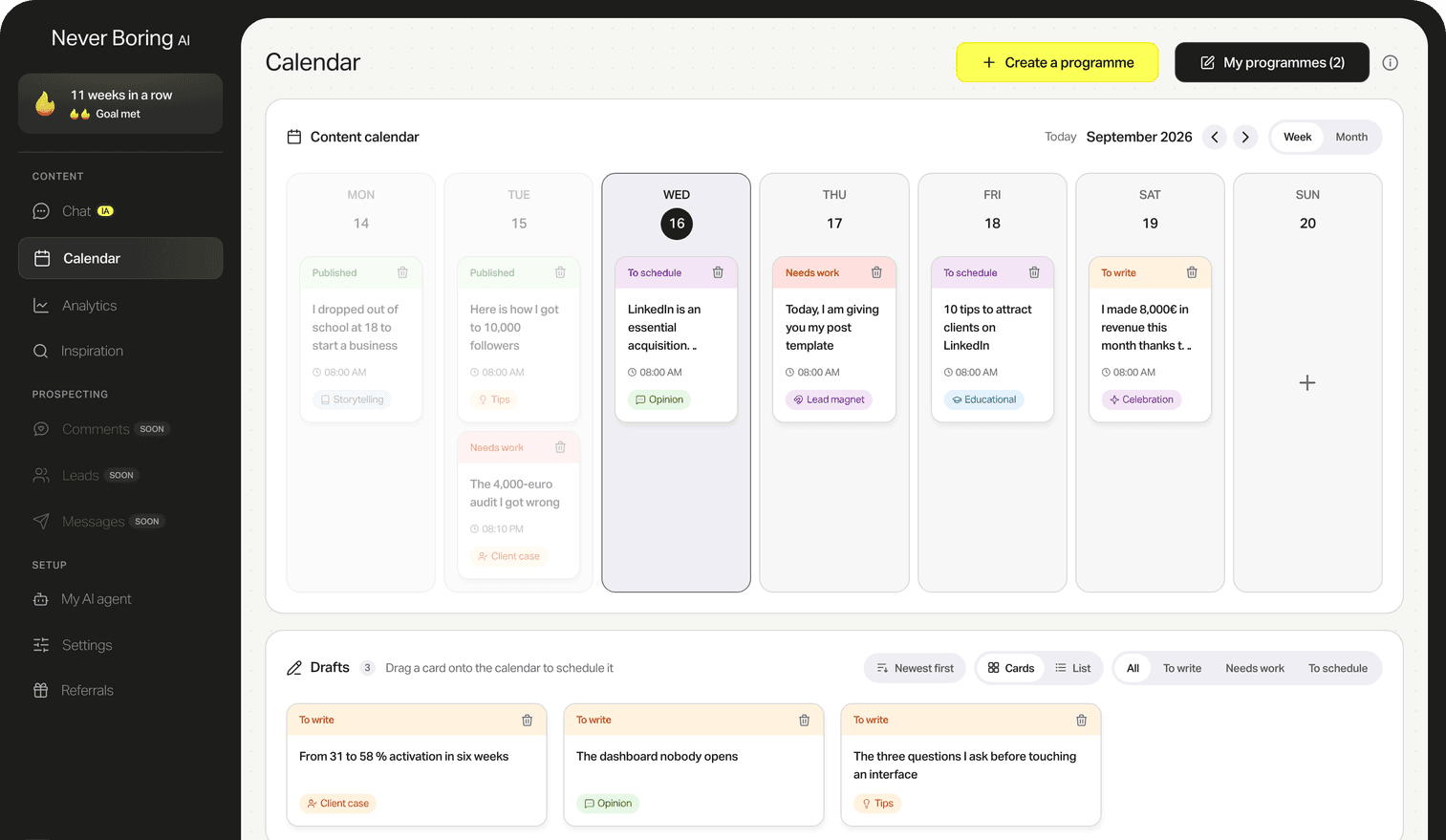
Never Boring AI is an AI agent for LinkedIn, built by Maxence Vroilant. This tool is open: no account, no email, no limit. It reuses a building block of the app, where the agent writes your posts from your experience and keeps your content calendar.
Your first 5 posts are on us
Create your account, no credit card needed, and walk away with your first post in minutes. Your LinkedIn calendar then runs on its own.


Already used by
232 founders