LinkedIn automation tools: 8 picks for content and outreach
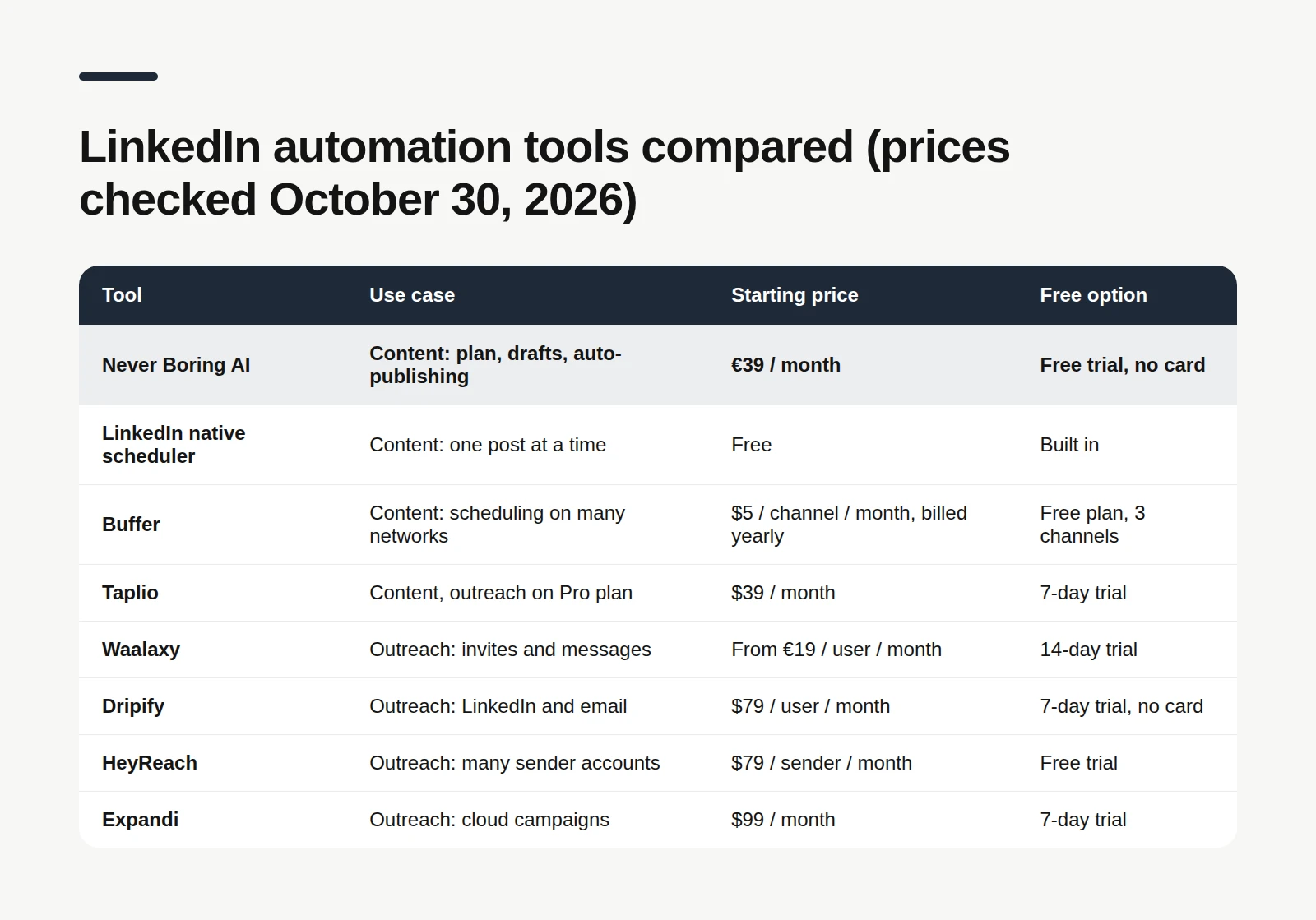
The best LinkedIn automation tool depends on the job. To automate your content (a posting plan, drafts in your voice, posts that go out on time), start with Never Boring AI, LinkedIn's free native scheduler or Buffer. To automate outreach (connection requests, messages, follow-ups), the usual names are Waalaxy, Dripify, HeyReach and Expandi, with Taplio sitting in between. Every price below was checked on each tool's official pricing page on October 30, 2026. And before you put anything on autopilot, read what LinkedIn's own rules say: it's shorter than a terms-of-service page usually is, and a lot more useful.
What LinkedIn automation tools actually automate
A LinkedIn automation tool is software that does part of your LinkedIn work for you, on a schedule or on a trigger, instead of you clicking through it by hand. Under that one label hide two very different families. Content automation: planning what to post, drafting it, scheduling it and publishing it at the right time. The post still comes from you, it just stops depending on you being online at 8 a.m. Outreach automation: sending connection requests, messages and follow-ups to lists of prospects, often mixed with email. Most lists on the first page of Google are outreach lists. That's fine if you run a sales team. If you're a freelancer or a solo founder who mostly wants to post consistently, half those tools solve a problem you don't have. So this list keeps both families, and tells you which is which.
🧭 1. Never Boring AI: a posting plan that publishes itself
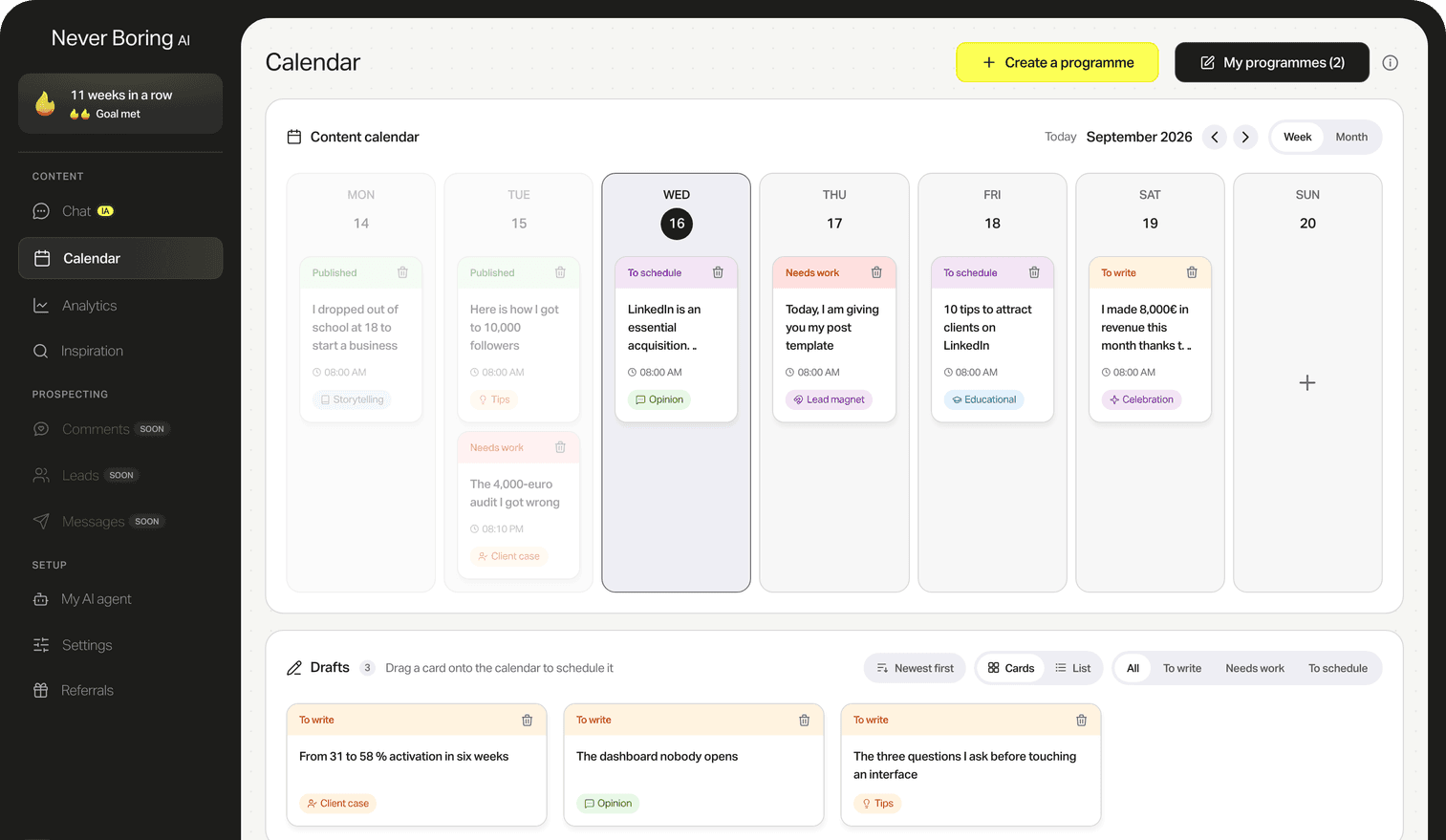
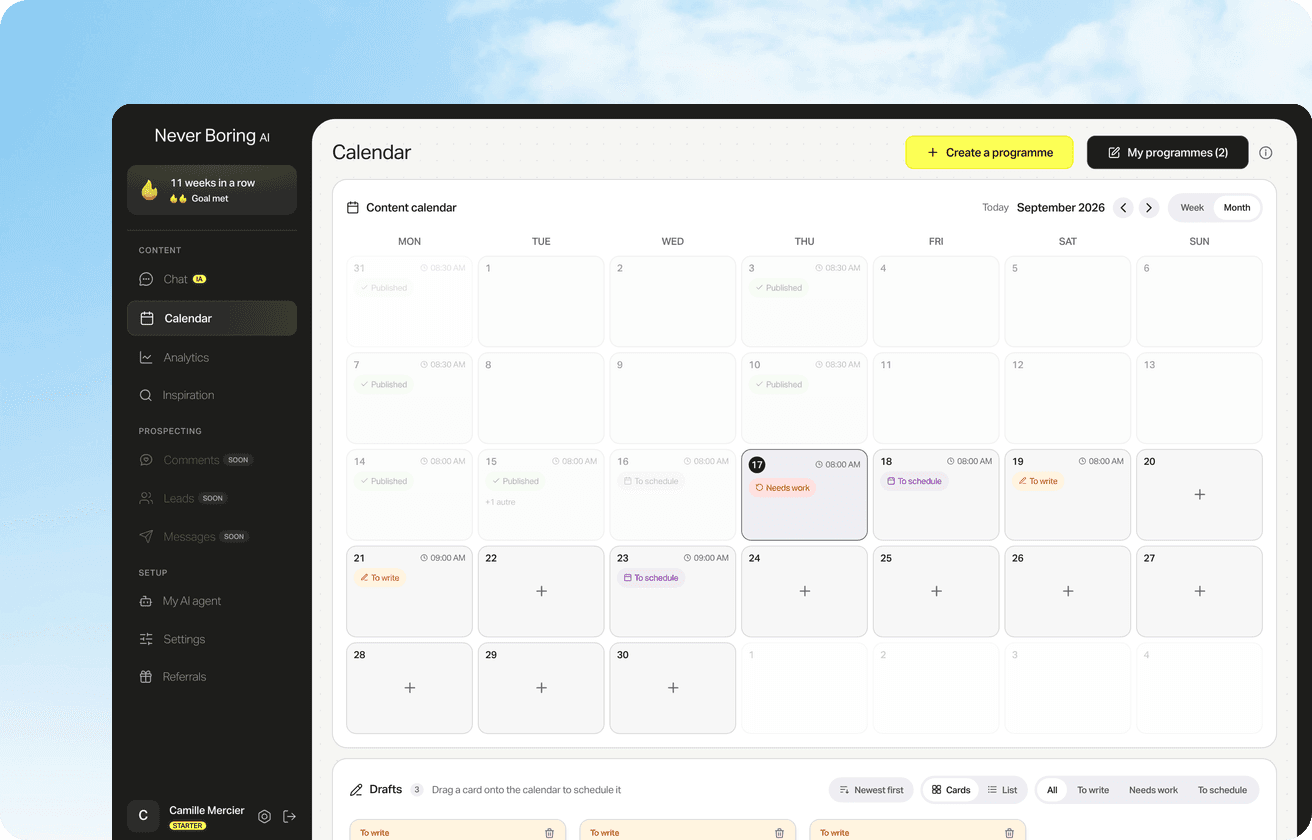
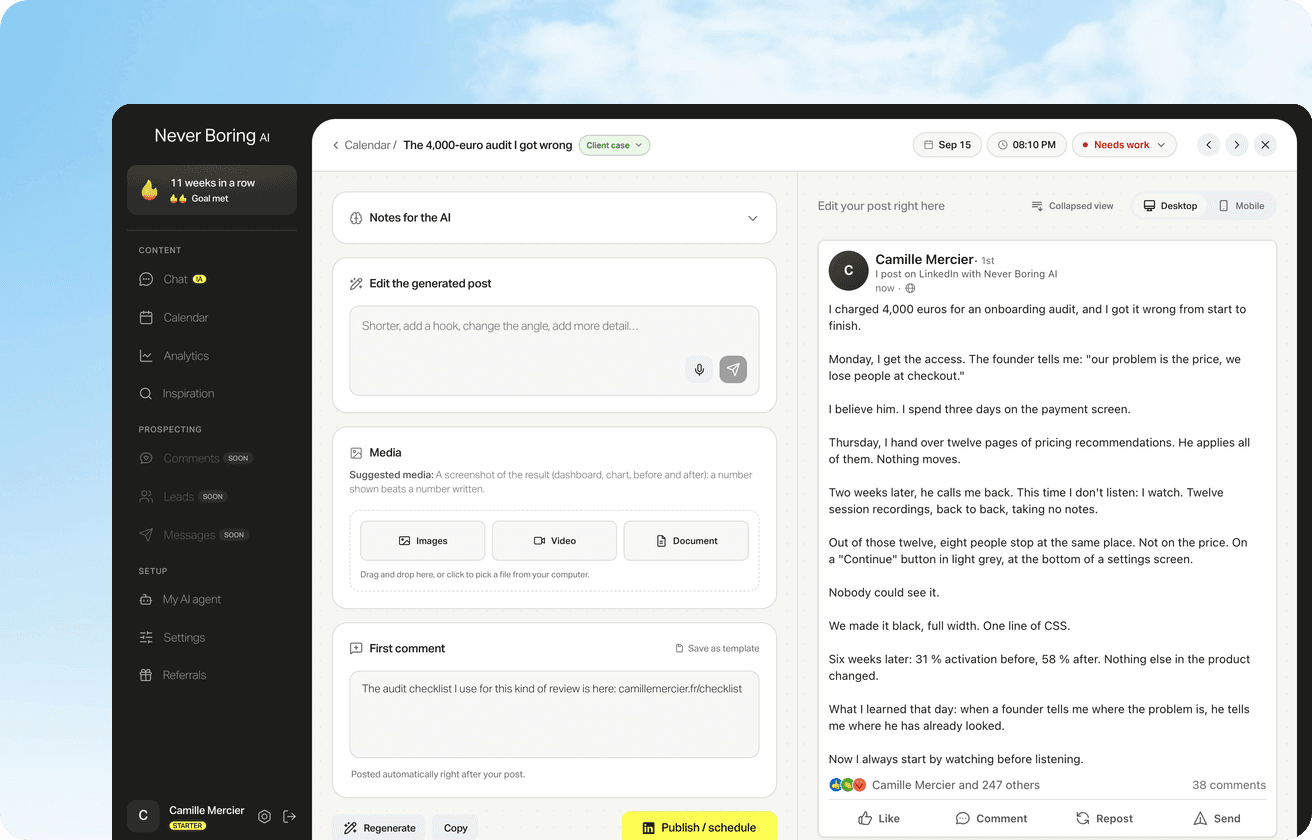
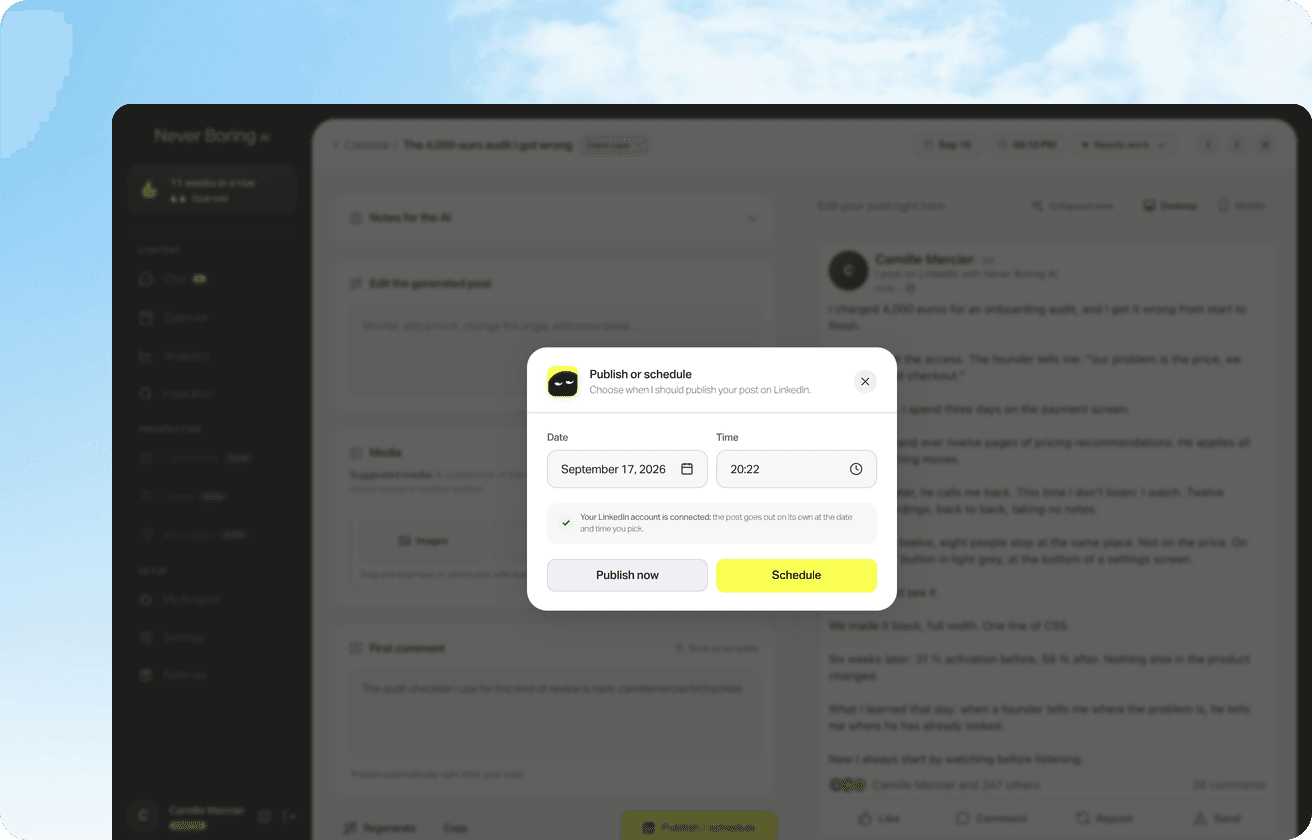
Never Boring AI is an AI agent that automates the content side of LinkedIn, from the posting plan to the post going live. It starts with your offer, your audience and the stories you have actually lived, builds a content calendar, then drafts each post in your voice for you to edit. What it automates: Planning: a monthly content calendar built from your strategy, so you know what to post and when. Publishing: the post goes out at the date and time you picked, through LinkedIn's official API, with an optional first comment posted right after. Tags: type @ and it suggests the people and Pages to mention. Comments: follow up to 30 profiles and get a suggested comment in your voice on their new posts, capped at 5 a day on weekdays. Nothing goes out until you approve it. Price, checked on its pricing page on October 30, 2026: €39 a month, no commitment, and a free trial with 5 posts, 1 content calendar and 50 messages, no credit card needed. It's built for solopreneurs, freelancers and founders who post under their own name.
Let your LinkedIn posts go out on their own
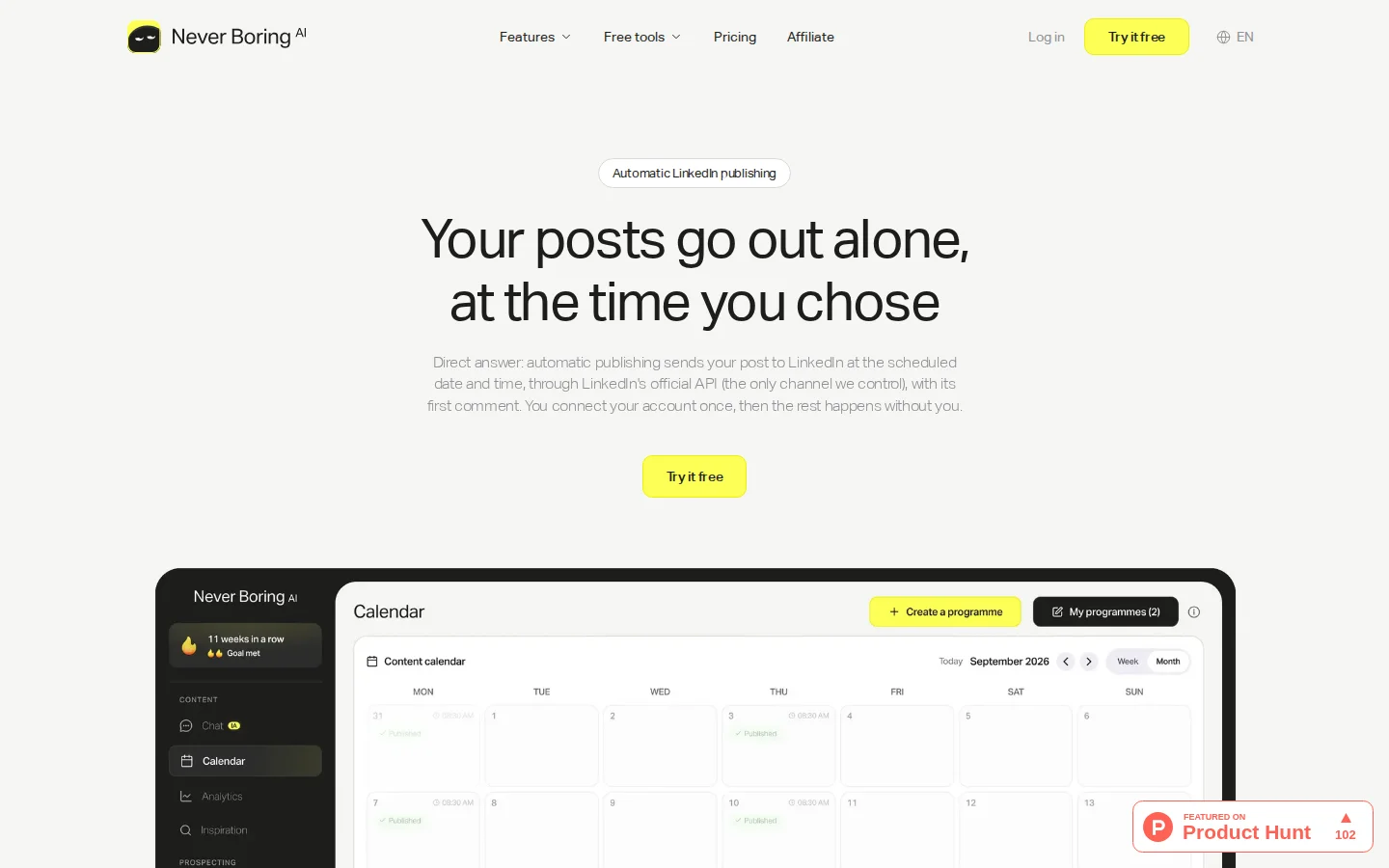
Pick a slot once, approve your posts, and Never Boring AI publishes each one at its time through LinkedIn's official API, first comment included.
📅 2. LinkedIn's native scheduler: free, one post at a time
LinkedIn's native scheduler is the clock icon in the post composer, and it's the simplest piece of LinkedIn automation there is. According to LinkedIn's help center, you can schedule a post between 10 minutes and 3 months ahead, type an exact time, and manage everything from a Scheduled posts page. It costs nothing and it's official, which is two more things than most tools can say. The catch: you schedule one post at a time, from each post's composer. No content plan, no bulk upload, no first comment. For two posts a week, honestly, it may be all you need.
The native scheduler, step by step
Desktop and mobile steps, where to find your scheduled posts, company Pages and the limits that trip people up.
3. Buffer: scheduling across all your networks
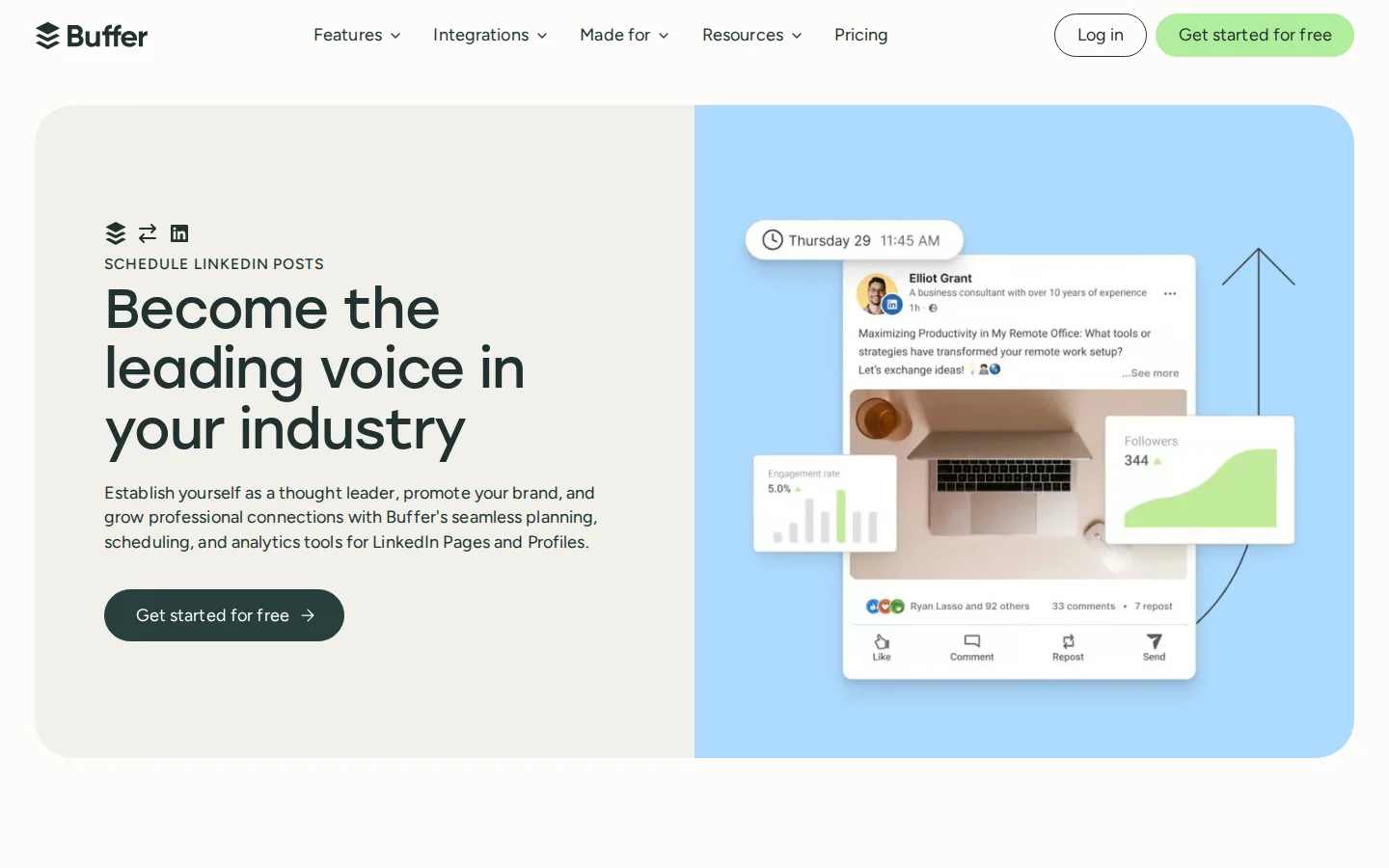
Buffer is a social media scheduler that publishes to LinkedIn profiles and Pages alongside Instagram, X, Threads, TikTok and more. It fits people who post the same ideas on several networks and want one queue for all of them. Pricing, checked on buffer.com on October 30, 2026: a free plan connects up to 3 channels with 10 scheduled posts per channel. The Essentials plan costs $5 per channel per month on yearly billing ($60 a year), with unlimited scheduled posts and first comment scheduling, and comes with a 14-day free trial. It schedules what you wrote; it doesn't plan your month or write in your voice.
4. Taplio: content tools, with outreach on the top plan
Taplio is a LinkedIn growth tool that covers content and reaches into outreach. Its menu lists scheduling, a library of viral posts, analytics, AI writing, and auto-connect with DMs to warm leads. Pricing, checked on taplio.com on October 30, 2026: Starter at $39 a month covers scheduling and core analytics. Growth at $69 adds AI writing and faster replies and comments. Pro at $199 adds lead outreach automation and more AI usage. Each plan starts with a 7-day free trial. It suits creators who want scheduling, analytics and a large library of viral posts in one place, with the option to add outreach later.
🤝 5. Waalaxy: invitations and messages on autopilot
Waalaxy is a prospecting tool that runs LinkedIn outreach campaigns: connection invitations, messages and automated follow-ups, with cold email on its top plan. It's built for outreach, not for publishing your posts. Pricing, checked on waalaxy.com on October 30, 2026: Pro is listed from €19 per user per month with 300 invitations a month, Advanced from €49 with 800, and Business from €69 adds cold email sequences. Billing can be monthly, quarterly or yearly, with discounts of up to 50% on yearly, so check which billing the price you see applies to. There's a 14-day free trial. Its pricing page speaks to founders, sales reps, agencies and recruiters.
6. Dripify: LinkedIn and email sequences
Dripify is an outreach platform that builds multi-step sequences mixing LinkedIn actions and emails, with delays and conditions between steps. It targets salespeople who live in their pipeline. Pricing, checked on dripify.com on October 30, 2026: Pro costs $79 per user per month ($59 billed annually), with LinkedIn and email sequences, 100 email finder credits, analytics and a dedicated inbox. Advanced costs $99 ($79 billed annually) and adds team management and A/B testing. The 7-day free trial needs no credit card.
7. HeyReach: outreach across many sender accounts
HeyReach is an outreach tool built to run campaigns from several LinkedIn accounts at once. It automates connection requests, messages, follow-ups, voice notes and profile views, with one inbox for every account. Its use cases name agencies, sales teams and growth teams. Pricing, checked on heyreach.io on October 30, 2026: Growth costs $79 a month per sender, with unlimited campaigns. The Agency plan costs $999 a month for 25 senders. A free trial is available. For a solo creator, that's a lot of machine for one profile.
8. Expandi: cloud-based outreach campaigns
Expandi is a cloud-based outreach tool that runs connection requests, messages and email follow-ups in one sequence. Its pricing page puts account safety up front: a dedicated country-based IP address, a profile warm-up that starts slowly, and limits on daily actions. Pricing, checked on expandi.io on October 30, 2026: the Business plan costs $99 a month, or $79 a month on annual billing, with a 7-day free trial. Expandi says itself that it's better suited to small sales teams.
⚠️ LinkedIn automation safety: what LinkedIn's rules say
LinkedIn's position on automation is written down, in plain English, in its help center and its User Agreement. Its Prohibited software and extensions page says LinkedIn doesn't permit third-party software, including bots, browser plug-ins or extensions, that scrape, modify the appearance of, or automate activity on LinkedIn's website. Section 8.2 of the User Agreement adds that members must not use bots or other unauthorized automated methods to add contacts, send messages, or create, comment on, like or share posts. The stated risk is concrete: accounts restricted or shut down, and tools that stop working without notice. Separately, LinkedIn's help center says it may limit the visibility of posts when it detects the use of an automation tool or excessive posting that looks inauthentic. So the useful question isn't "is this tool safe?", it's "how does it talk to LinkedIn?". Two things to check before you sign up: whether it goes through LinkedIn's own features or official API, or drives your account in a browser; and whether a human approves what goes out. Ask the vendor. A clear answer is a good sign.

How to choose a LinkedIn automation tool
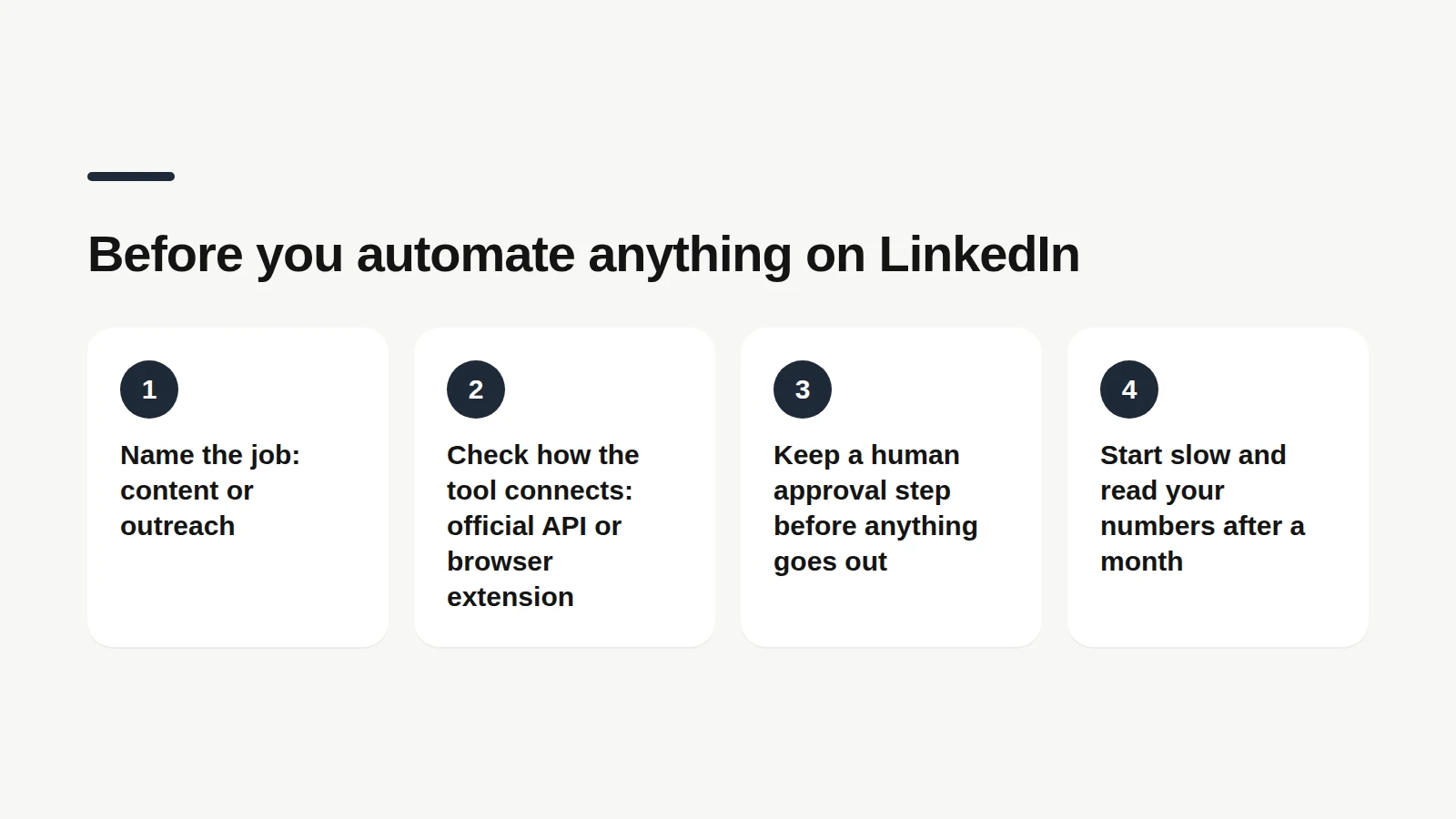
Choosing a LinkedIn automation tool means matching it to the job you want off your plate, then checking how it connects. Four questions settle most cases. 1. Content or outreach? If your goal is to post every week, a content tool covers it. If it's to book calls from cold prospects, you're shopping for outreach. 2. How does it connect? Official features and APIs on one side, browser automation on the other. LinkedIn's rules, above, draw the line. 3. Who approves? A tool that drafts and waits for your yes keeps your voice and your reputation in your hands. 4. What will you measure? Pick one number before you start (posts published, replies, calls booked) and check it after a month.
Start with the plan, not the queue
Scheduling is easy once you know what to say. Never Boring AI builds your LinkedIn content calendar from your offer, your audience and your real stories.
One more option sits between content and outreach: commenting. Showing up under the posts of clients and peers gets you noticed without a single cold message. It's also exactly the kind of action LinkedIn doesn't want a bot to do for you, which is why the approval step matters.
Comment on the right profiles, in your voice
Follow up to 30 profiles, get a suggested comment on their new posts, edit it, approve it. Five a day on weekdays, never more.
🔍 What 310 auto-published posts look like
This benchmark describes how real users put content automation to work, measured on Never Boring AI's own data. Pulled from the tool's database on October 30, 2026: 310 posts sent to LinkedIn by its auto-publishing between June 15 and October 29, 2026, by 30 users, all with a French-language profile. Team and test accounts, and deleted posts, are excluded. What it shows: Planning ahead: the median post went out a little over 4 days after it was created in the tool. A quarter went out within about 18 hours, and a quarter more than 10 days later. First comment: 48 of the 310 posts were followed by an automatic first comment.
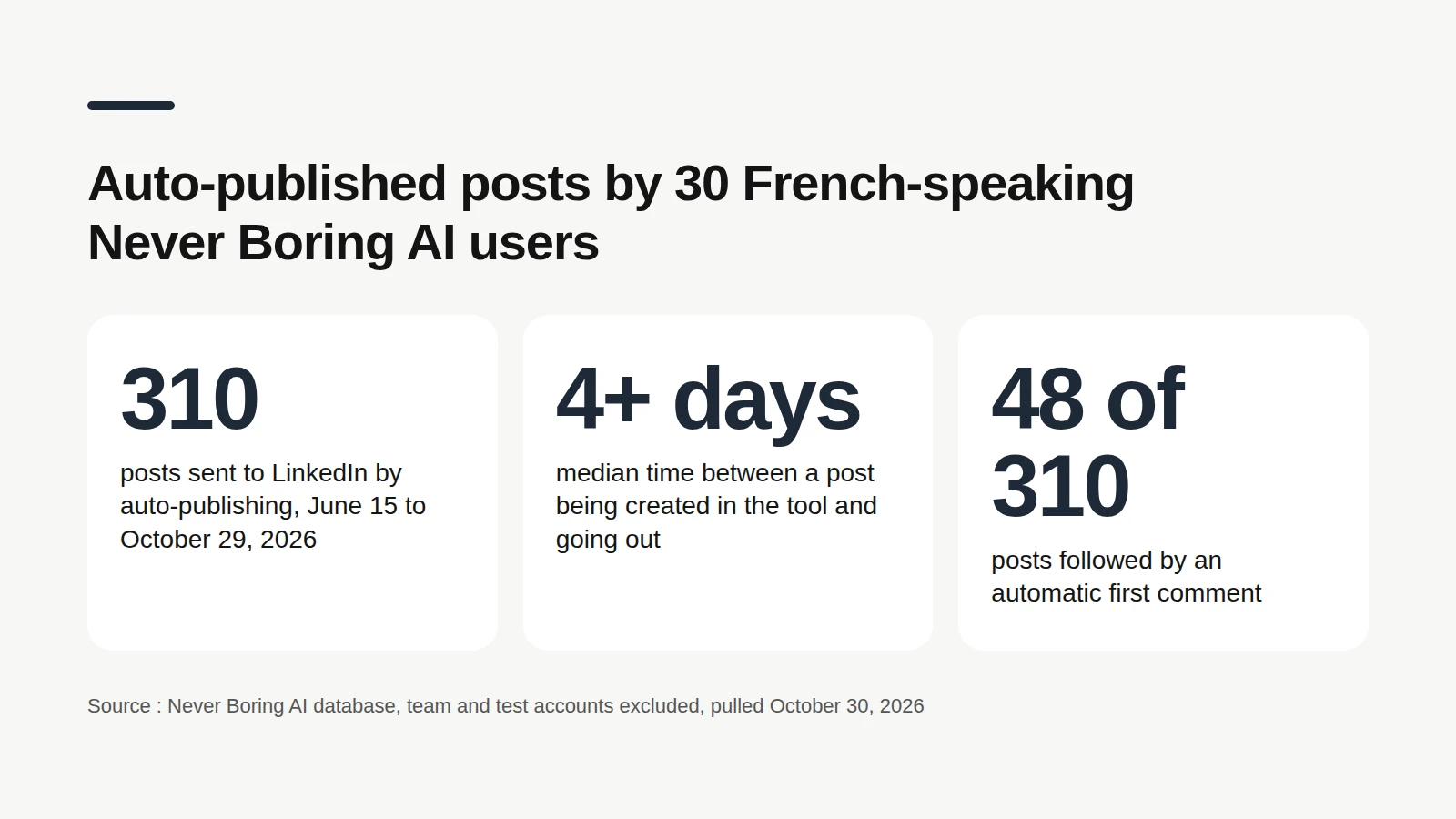
The limit: this is a small group of French-speaking users of one tool, not LinkedIn as a whole. These numbers describe how they schedule, not which habit gets more reach.
Bottom line: automate the work, not the relationship
The right LinkedIn automation tool takes the repetitive part off your desk and leaves the human part with you. For content, Never Boring AI plans, drafts and publishes, while LinkedIn's native scheduler and Buffer handle the queue. For outreach, Waalaxy, Dripify, HeyReach and Expandi run campaigns at different scales, and Taplio mixes both. Whatever you pick, check how it connects to LinkedIn and keep your own yes before anything goes out. If what eats your week is deciding what to post, Never Boring AI starts there. It costs €39 a month with no commitment, and the trial is free.
A month of posts, planned and scheduled
Tell the agent about your offer and your audience, approve your posts, and they go out on their own. Free trial, no credit card.
Nine habits worth automating around
Hooks, rhythm, formats and analytics, each one sourced from LinkedIn's own creator guides.
What questions come up most often?
The questions that keep coming up on this topic, and how we answer them.
It depends on what you automate. For content, Never Boring AI plans your posts, drafts them in your voice and publishes them through LinkedIn's official API, from €39 a month. LinkedIn's free native scheduler covers one post at a time. For outreach campaigns, Waalaxy, Dripify, HeyReach and Expandi are the usual names, from €19 to $99 a month on their pricing pages in October 2026.
Read next
Your first 5 posts are on us
Create your account, no credit card needed, and walk away with your first post in minutes. Your LinkedIn calendar then runs on its own.


Already used by
240 founders