LinkedIn hashtags in 2026: do they work and how many to use
LinkedIn hashtags don't boost your reach. That comes straight from LinkedIn: in December 2025, one of its executives wrote that hashtags don't affect distribution. They're still clickable and still help people search. So how many should you use? Zero is a perfectly good answer, and it's what more than 95% of the 1,412 posts our users published since January 2025 went with. If you want some, one to three well-picked tags are plenty. The pound sign isn't dead. It just changed jobs. #careerchange
#️⃣ What a LinkedIn hashtag still does
A LinkedIn hashtag is a word or phrase stuck right after a pound sign (#marketing, #freelance, #AI). Inside a post, it turns into a link: one click, and LinkedIn shows you posts that carry the same word. For years, people used hashtags as a ticket to a bigger audience. That's over, and it's not some growth-hacker rumor. In her article "Top LinkedIn Feed Questions of 2025", published on December 18, 2025, Gyanda Sachdeva, who leads LinkedIn's Consumer Experience team, answers "Do I need to include a hashtag when I post?" with a flat "Nope!": hashtags do not impact distribution, so there's no need to include them. She gives two reasons you might keep them anyway. Hashtags help with your own tracking, for instance to find every post in a series. And since they're clickable, they help members who search for them land on your post. In other words, the hashtag went from megaphone to filing label. Less glamorous, still useful.
The post first, the labels later
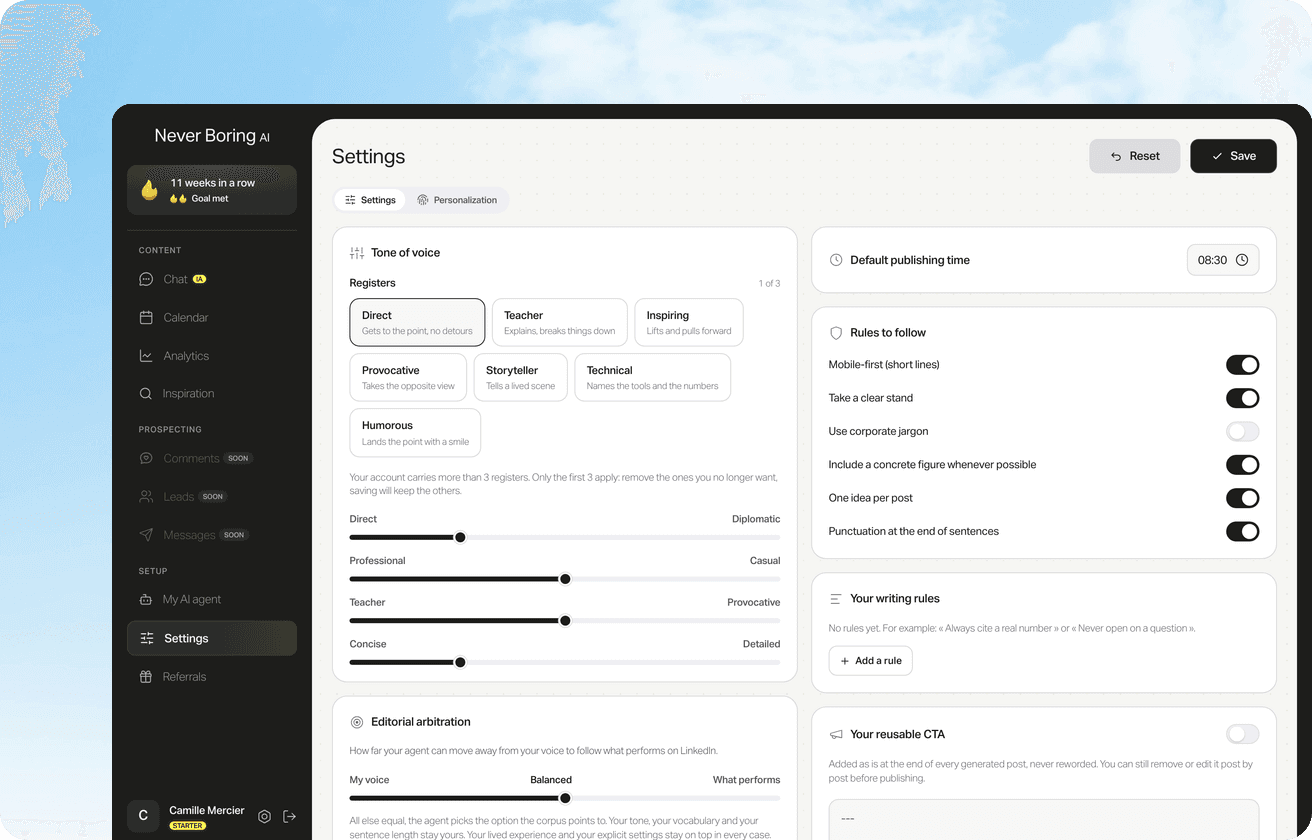
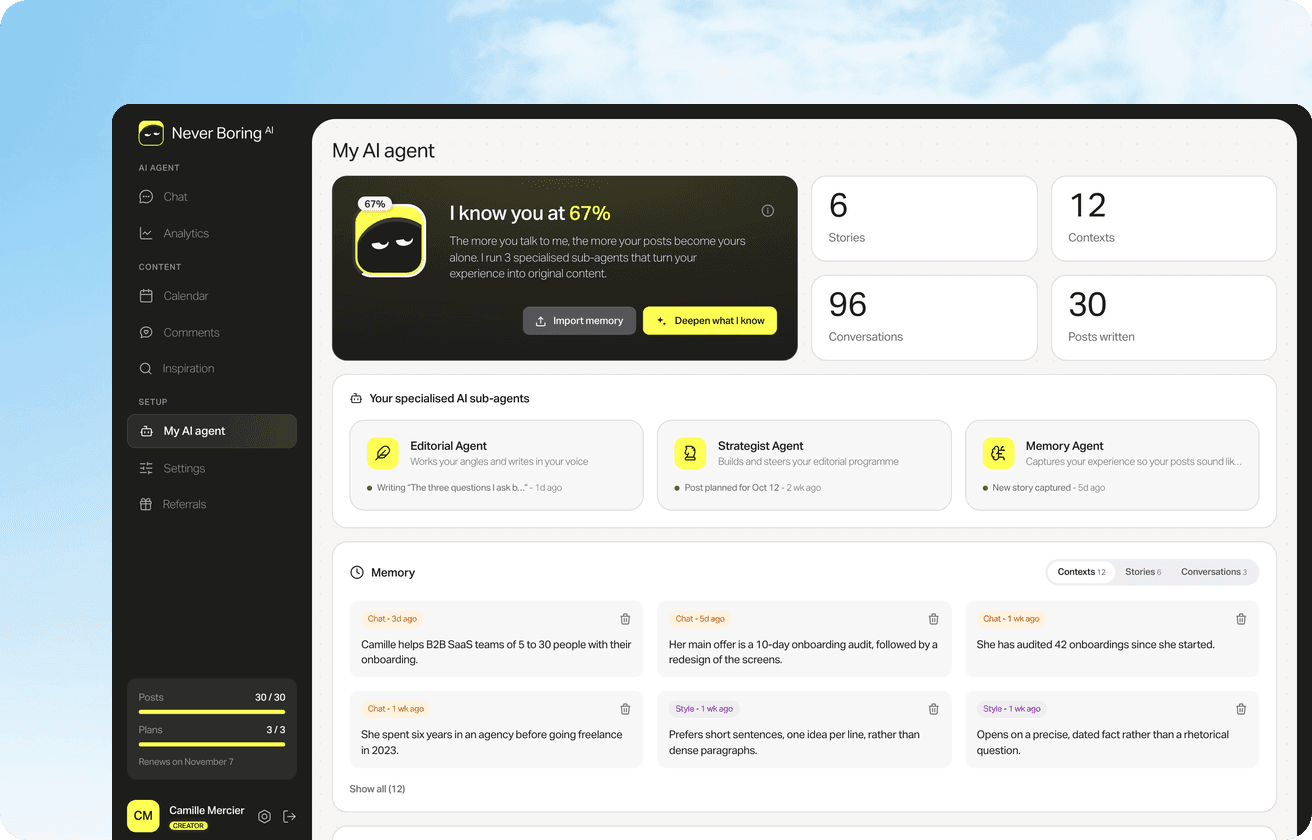
Never Boring AI's AI LinkedIn post generator starts from your own experience and your content plan to draft posts in your voice. Hook, length, emojis, how you sign off: you set your preferences once.
Do hashtags still work on LinkedIn?
Not for reach, according to LinkedIn. A post with five hashtags won't be shown to more people than a post with none just because of those hashtags. The same article by Gyanda Sachdeva names, among others, signals that can affect a post's distribution: how useful and unique it is, how timely the topic is, how relevant it is to the viewer, posting frequency, the use of media, whether a video caption gives context, and whether the language feels promotional or generic. Hashtags aren't on it. So do hashtags work on LinkedIn? They work as labels, not as boosters. A hashtag files your post under a topic, makes that topic clickable, and can act as a signature for a series or an event. If you were looking for a "more views" button, it lives in your first line and in what the post actually says, not in the pound sign.
📊 How many hashtags should you use on LinkedIn?
There's no required number: zero, one, two or three is your call. LinkedIn doesn't publish an ideal count for a member's post. The only number we found in its help center applies to company Pages: up to 3 hashtags to feed the Trending Employee Content section of a company's Life page. To see what real authors do, on November 23, 2026 we pulled the posts published on LinkedIn by Never Boring AI users who connected their account: 1,412 posts from 18 accounts, January 2, 2025 to November 20, 2026, team and test accounts excluded, reposts excluded. Most of these accounts write in French, so read this as a reference point, not a US benchmark. More than 95% of these posts contain no hashtag at all. The 60 posts that do use hashtags come from 9 of the 18 accounts. Of those, 42 use one to three, 11 use four or five, and 7 use six or seven. None goes past seven.
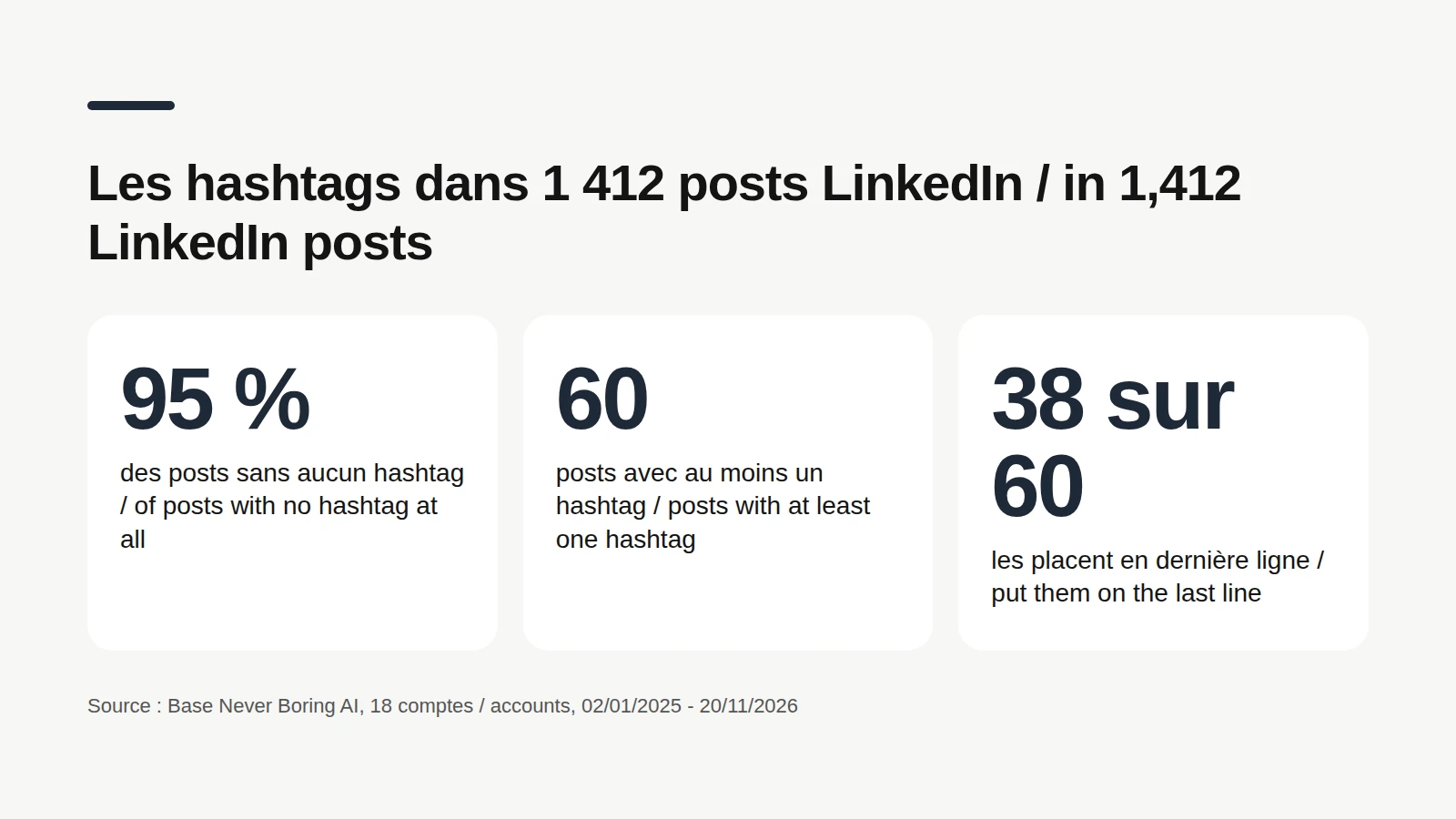
One caveat before you turn this into a rule: these numbers describe writing habits among mostly French-speaking authors. They don't say that a post with no hashtag gets more views, or the opposite: nobody published the same post with and without them. What they do show is that the hashtag-free post has become the norm for these authors, and that those who use hashtags keep it light. Our practical take: none if the post has no clear topic to label, one to three if it does. Past that, every extra hashtag mostly reads like noise at the bottom of your post.
Where to put hashtags in a LinkedIn post
At the end of the post, most of the time. In our dataset, 38 of the 60 posts with a hashtag put at least one on the last line. It makes sense: readers get your message first, and the label comes after. Two other spots exist: Inside a sentence, when the word fits naturally: "Three months into full-time #freelance, here's what changed." One hashtag per sentence at most, or reading turns into a chore. In the first line, which you should usually avoid. That's the line people see before "… more", and every character counts there. A #motivation in that spot takes the place of an actual hook. Two formatting details. Write multi-word hashtags as one block and capitalize each word so the eye can split them: #ContentMarketing reads better than #contentmarketing. In its help article on Trending Employee Content, LinkedIn even notes that #XYZ and #xyz pull the same content.
See where the "… more" cut lands
The free LinkedIn post preview tool shows your text the way the feed will display it, on desktop and mobile. Handy to check that your hashtags aren't eating your first line. No account, no email.
🔍 How to find the right LinkedIn hashtags
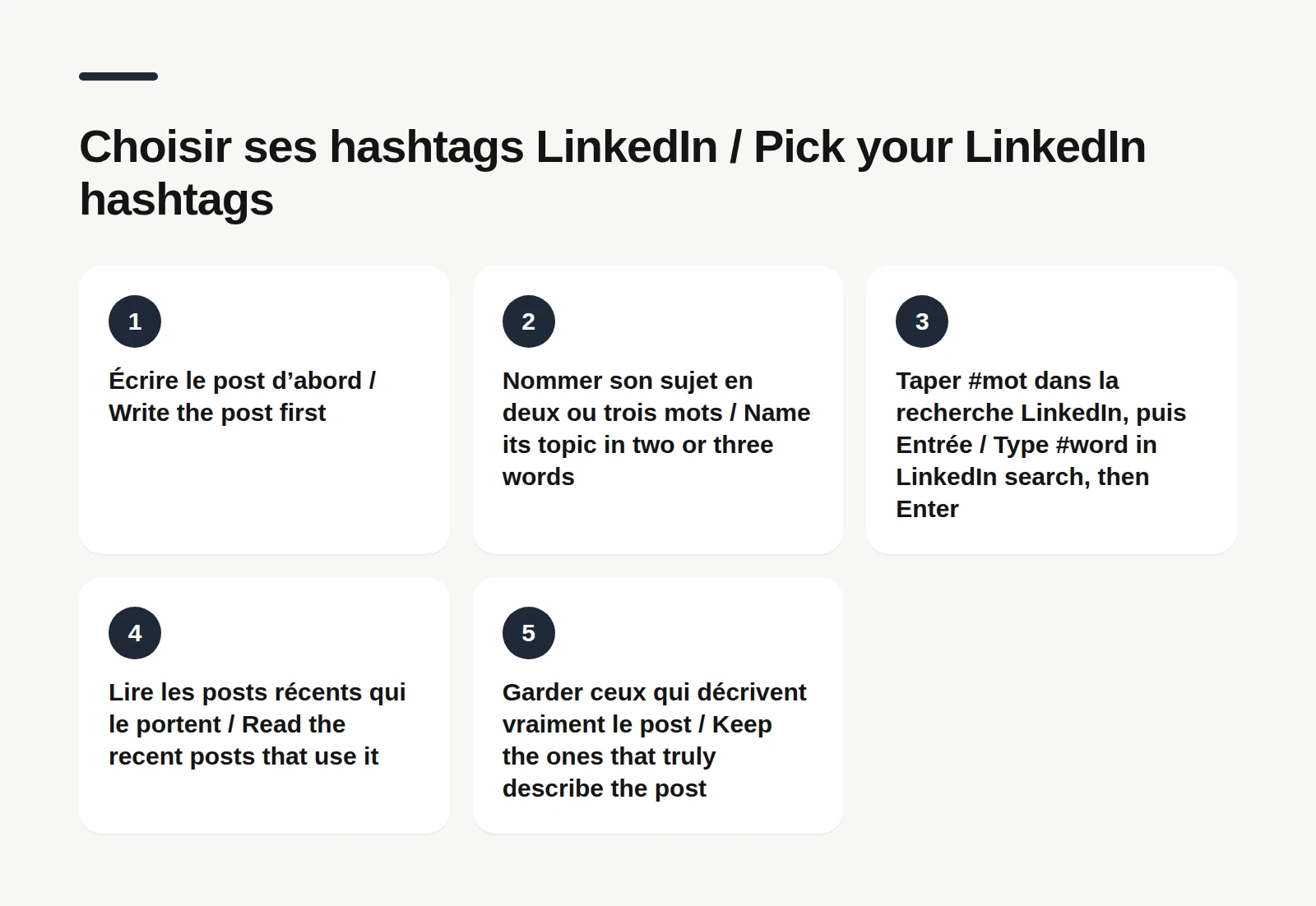
Type the hashtag into LinkedIn's search bar and press Enter. LinkedIn's help center notes that suggested searches won't offer any hashtags, but you can still search one by typing it in full and hitting Enter or Search. Then filter the results to posts to see who uses it. The method that stops you from pasting hashtags at random fits in five steps: 1. Write the post first. The hashtag comes from the text, not the other way around. 2. Name its topic in two or three words, the way you'd type it into a search. 3. Search that word with a pound sign in LinkedIn, then hit Enter. 4. Read the recent posts that use it. Are these people in your field, or a giveaway free-for-all? 5. Keep only the tags that truly describe your post. If the results are empty or have nothing to do with your topic, move on: nobody uses that word, or it doesn't mean what you think it means.
Which hashtags to pick: topic, niche and branded
Three families of hashtags cover almost every need. The broad topic hashtag: #marketing, #sales, #leadership. It says what the post is about in one word. Lots of people use it, so your post gets lost fast, but it files the topic clearly. The niche hashtag: #copywriting, #B2BSaaS, #nocode. Narrower, it speaks to people who do your job or share your problem. It's often the most useful of the three. The branded or series hashtag: your company name, an event, a weekly format you run. Nobody searches for it at first, but it lets you and your readers pull up the whole series in one click. That's exactly the "own tracking" LinkedIn mentions. Here's what usage looks like in our dataset. In the 60 hashtag posts from our users, there are 105 different hashtags, and 100 of them appear in a single account only: a project name, a narrow field, a series. The most widely shared one shows up in three accounts. One-size-fits-all hashtags are the exception. A simple mix to start with: one niche hashtag, maybe one broad topic tag, plus your series hashtag if the post belongs to one.
What are the top LinkedIn hashtags?
There's no official ranking: LinkedIn doesn't publish a list of top or trending hashtags in its help center. The "top 50 hashtags" lists you'll find online don't come from LinkedIn. In fact, LinkedIn's old help page on using and following hashtags returns a 404 error as of November 23, 2026. The trend that matters is your industry's, this week. A new regulation, a trade show, a product launch: the event's hashtag makes sense while people are talking about it. To spot it, search the word on LinkedIn and check whether recent posts from people in your field use it. And if a hashtag is popular but has nothing to do with your post, leave it alone. Tagging #AI under a post about your pasta recipe won't put you in front of AI fans. It'll just look a little fishy.
🙅 Hashtag mistakes that stand out (badly)
The hashtag wall. Ten tags at the bottom of a post make a line nobody reads and turn your post into a billboard. The authors in our dataset all stop at seven. The off-topic hashtag. The one you add because it's popular. Whoever clicks it lands on an unrelated post and leaves. The hashtag in your hook. The first line is there to make people want more, not to file the post. The hashtag that replaces a word. "Great #day with the #team for our #launch" reads like a secret code. One hashtag per idea, not one per noun. The tone-deaf hashtag. A #blessed under a layoff announcement, and the whole post derails.

The rest of the formatting
Hashtags, emojis, line breaks, length: everything that makes up the format of a LinkedIn post, in one guide.
Bottom line: a useful LinkedIn hashtag, or none
According to LinkedIn, which said so in December 2025, hashtags don't affect a post's distribution. They're still clickable and still help with search and with keeping a series together. Among Never Boring AI users, more than 95% of posts carry none, and those who use them stay under eight. Our advice: first write a post that stands on its own, then add one to three hashtags if they truly describe the topic. Otherwise, skip them, nobody will hold it against you. And if the hard part for you is writing the post itself, Never Boring AI builds your content plan and drafts your posts in your voice.
Posts in your voice, every week
Tell the agent about your business: it builds your posting plan, drafts your posts in your voice and publishes them on LinkedIn. Free trial, no credit card.
What questions come up most often?
The questions that keep coming up on this topic, and how we answer them.
You don't have to. In December 2025, LinkedIn executive Gyanda Sachdeva wrote that hashtags do not impact a post's distribution. They're still clickable, so they help members who search for them find your post, and help you keep track of your own series. One to three hashtags that truly describe the topic are enough, and a post with none is just as valid.
Read next
Your first content plan and your first 3 posts are on us
Create your account, no credit card needed, and walk away with your first post in minutes. Your LinkedIn calendar then runs on its own.


Already used by
260 founders