AI LinkedIn post generator: what actually works
An AI LinkedIn post generator can free up time every week. But most produce interchangeable text: your reader spots the AI style before the end of the first sentence. What works is starting from your own experience. Your observations, your results, your actual stories. The tool feeds on them to write in your voice, not in the voice of a model trained on thousands of generic posts.
Why most LinkedIn post generators produce the same content
A LinkedIn post generator is a tool that produces LinkedIn-formatted text from a prompt or topic. Most work the same way: you describe a topic in a few words, the tool writes a post.
The result reads fine, but it looks like thousands of other posts generated by the same tools. The same hook formulas, the same four-point lists, the same call-to-action at the end. It's not that the text is bad: it's that it could have been written by anyone, on any LinkedIn account.
The problem isn't the AI quality. It's that the tool knows nothing about you. It works with what you give it in the prompt, nothing more. A vague prompt produces a vague post. And if your prompt looks like those of thousands of other users of the same tool, your post will look like theirs.
What high-performing LinkedIn posts have in common
On LinkedIn, the posts that stop the scroll are almost always anchored in a specific experience: a real number, a lived situation, a difficult choice at a precise moment. It's not an invented rule: it's what measured post data shows.
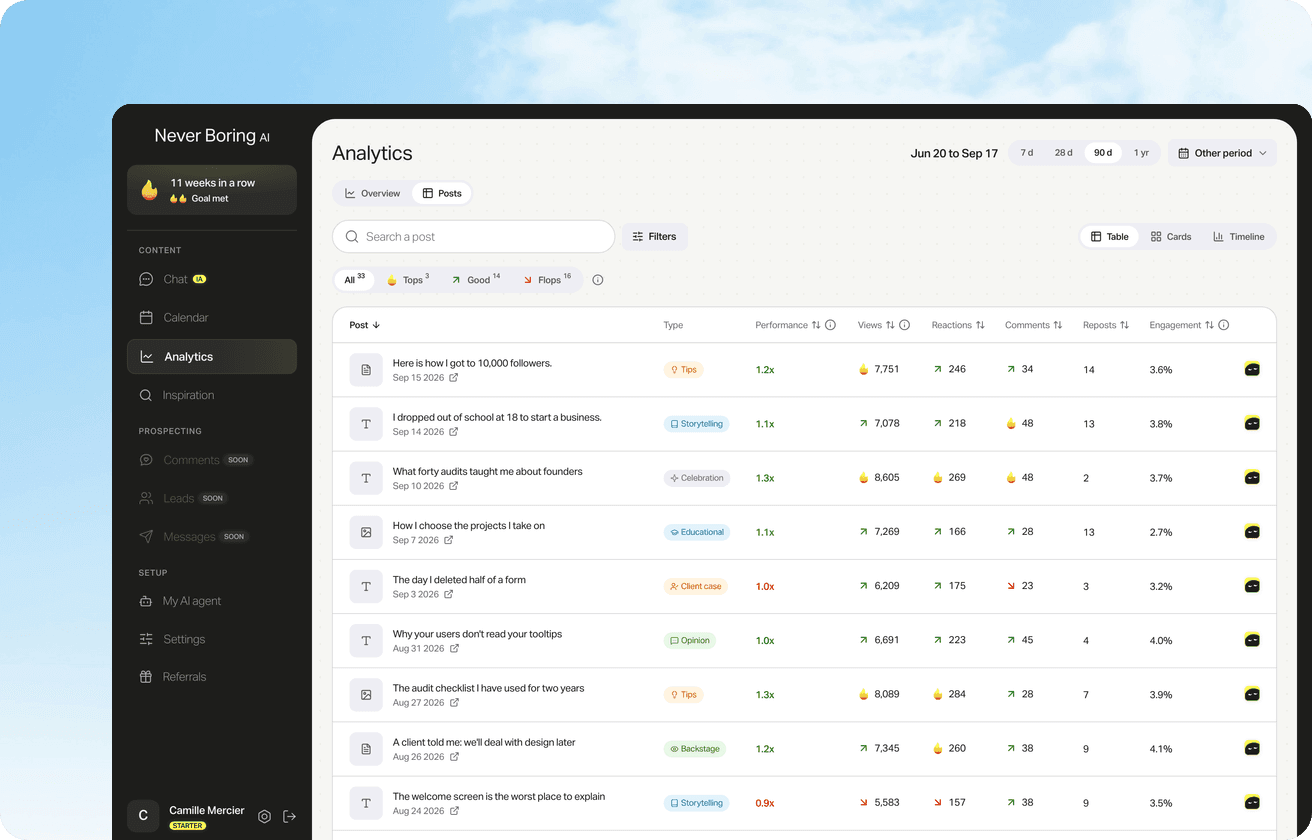
In data from 958 posts measured on five active LinkedIn accounts between December 2020 and September 2026 (Never Boring AI internal data), performance varies a lot by format, but the posts that outperform their format average almost always have a specific anchor: a numbered result, a date, a named situation.
A post about five marketing mistakes to avoid might work. A post about the mistake that cost you a client in 2024 holds attention differently. The difference is specificity. Specificity comes from you, not from a language model.
958 LinkedIn posts measured: the format data
Image, video, text or carousel: our analysis covers 958 posts from five active accounts between 2020 and 2026. The gaps between formats are larger than most guides claim.
How an AI generator can work with your voice
A generator that starts from your experience works differently: it draws on your stories, your published posts, and your concrete examples to write in your style, not a generic one.
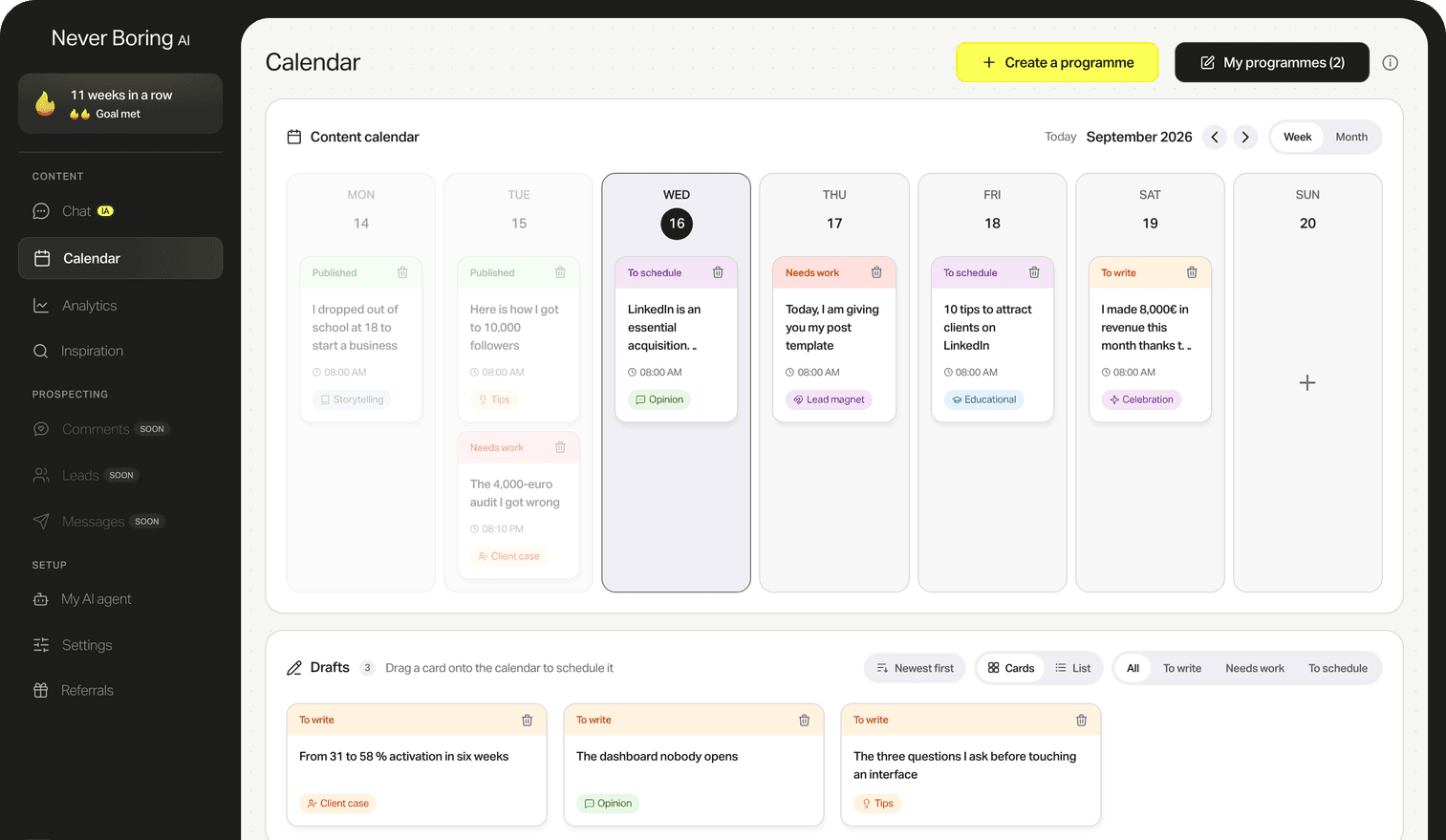
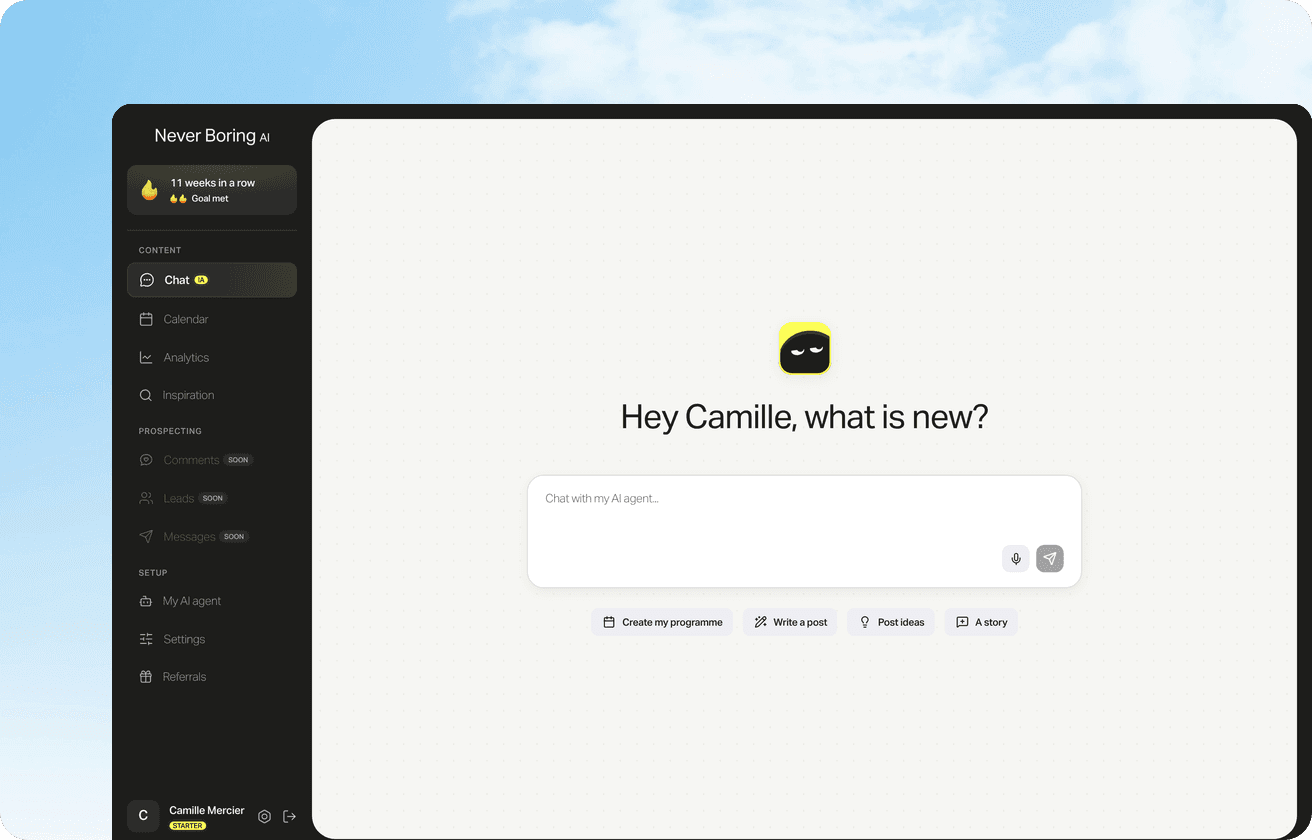
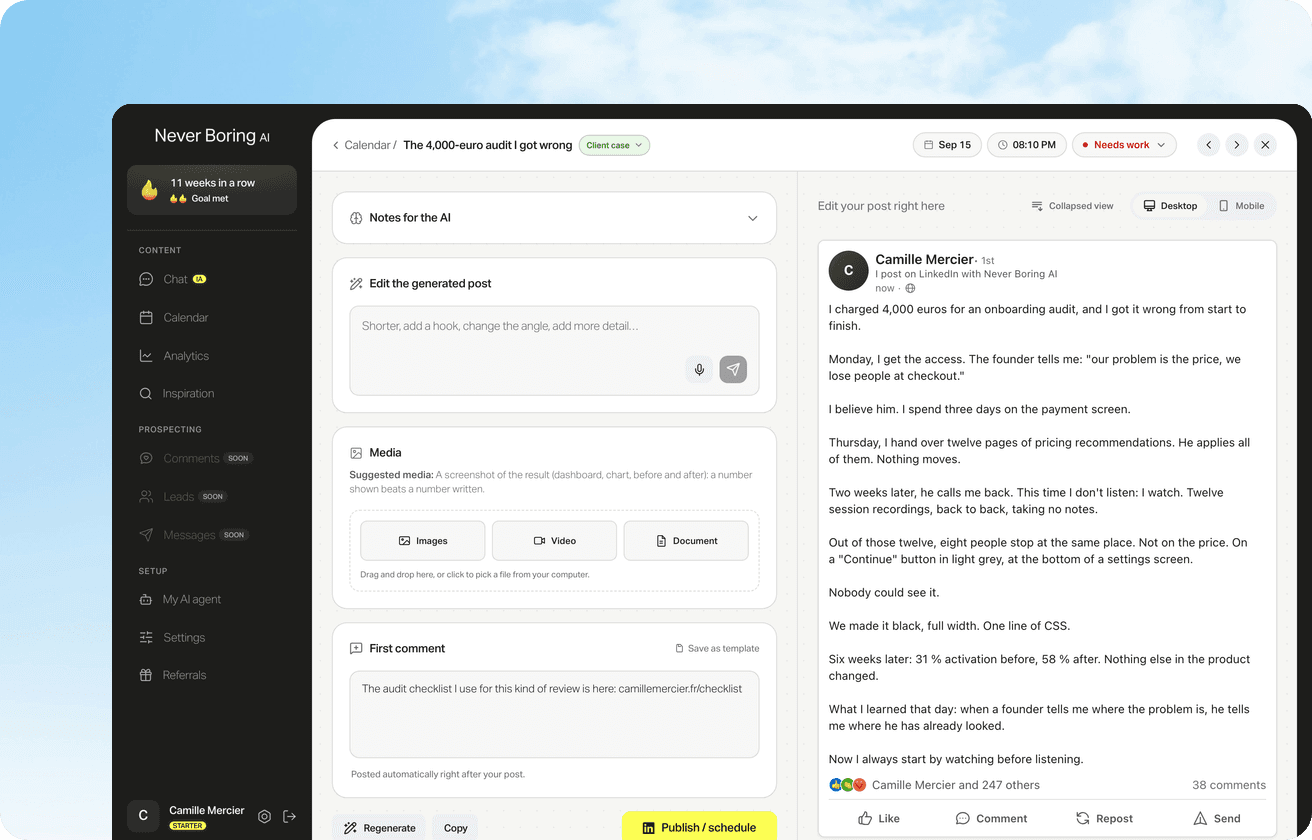
In Never Boring AI, the agent keeps in memory the experiences and results you describe to it. When you want to post on a topic, you give it elements from your own experience: a situation, a lesson, a number. The tool writes a post from those elements, in a style it has learned from your previous publications.
The result is harder to detect as AI because it carries details only you know. Your readers don't recognize generic formulas because there aren't any. Since Never Boring AI launched, users have generated 1,672 posts via the tool (Never Boring AI internal database, September 2026).
How to choose an AI generator for LinkedIn
Not all AI LinkedIn generators work the same way. One practical question: does the tool draw on your own material, or just a generic prompt? A tool that only asks for a topic and a length will produce standard text. A tool that asks for an experience, a result, or an observation will produce something more personal.
The second question: does the tool learn from your existing posts? A publication history allows the AI to calibrate your tone, your usual phrasing, the topics you cover regularly. Without this anchor, each generation starts from scratch and the result lacks consistency with what you usually publish.
What to prepare before you generate a post
Preparing your material means gathering the concrete elements the tool will use to write. Three things help: a fact or number from your own experience (not a generality), a specific observation about this topic in your own practice, and an idea of what you want your reader to take away.
If you start with a vague topic and nothing personal, the post will be vague. If you come with a dated story and a measurable result, the post will be specific. The quality of what you give the tool determines the quality of the post it produces.
This step is often what separates users who save time from those who lose it. The tool does the writing work. You do the memory work: remembering what happened, what you measured, what you observed this week.
What an AI generator doesn't do for you
An AI generator doesn't replace editorial judgment: it proposes a version, not a final decision. The tool can miss the tone, get the angle wrong, or include an inaccurate detail. It doesn't know the context of your relationship with your followers, or which topics you've already covered this month.
You decide whether the post is right, whether the timing is right, whether the angle matches what you want to say. Publishing directly without reviewing is not good practice, even with a tool that starts from your experience.
What you gain with an AI generator is time on the blank page, not on judgment. The generated post is a solid starting point. The two-minute review remains your responsibility.
Generate LinkedIn posts in your own voice with Never Boring AI
Never Boring AI keeps your stories and results in memory. You describe an experience, the agent writes the post in your style. Free trial, no credit card required.
Yes, if you feed it your own material. A generator that starts from a vague prompt produces generic text. A generator that works from your stories, your published posts and your results produces text that carries your details, hard to distinguish from what you would write yourself. The difference is the quality of the information you provide at the start.
Read next
50% off your first month
Create your account and walk away with your first post in minutes. Your LinkedIn calendar then runs on its own.


Already used by
202 founders